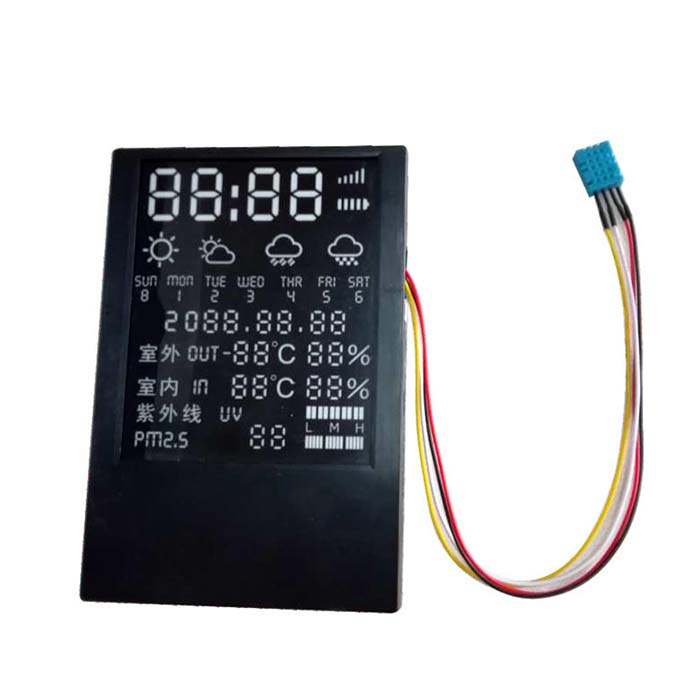
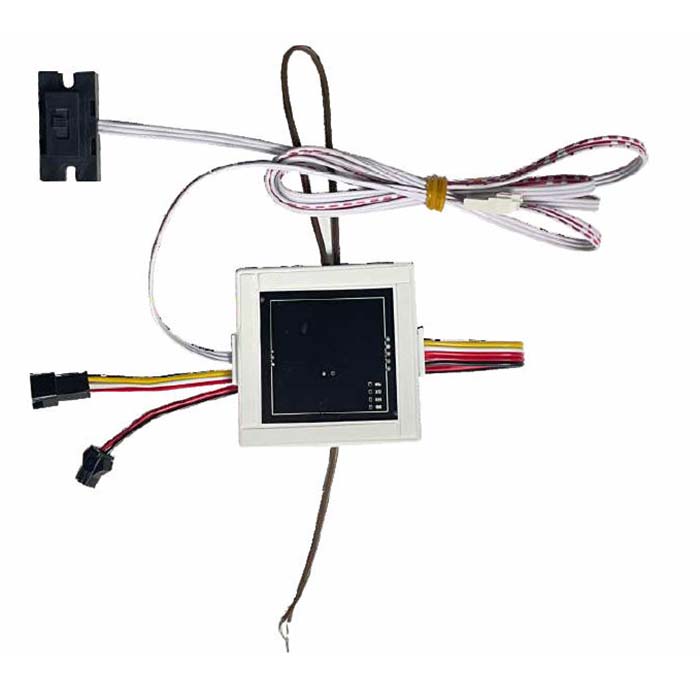
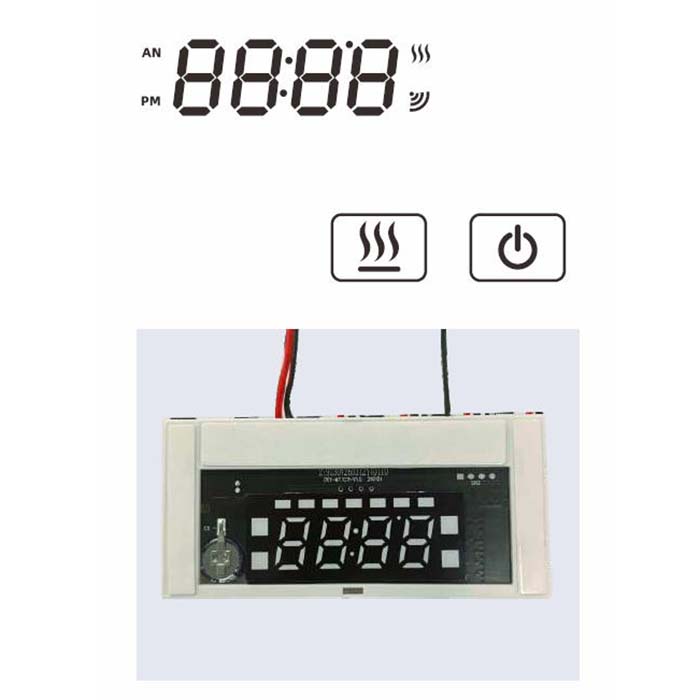
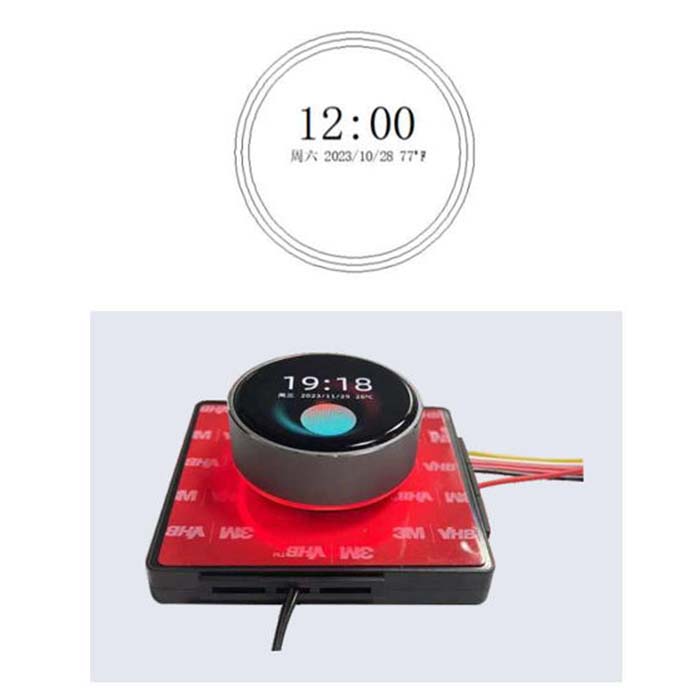
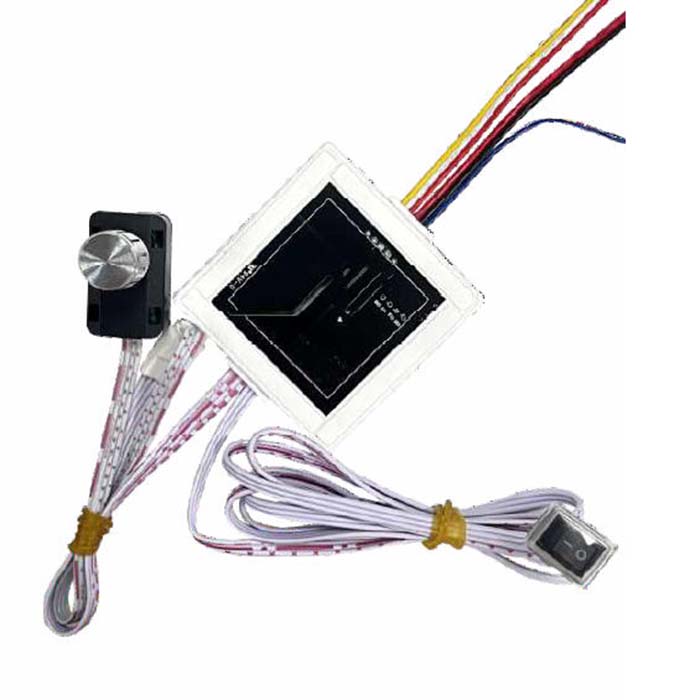
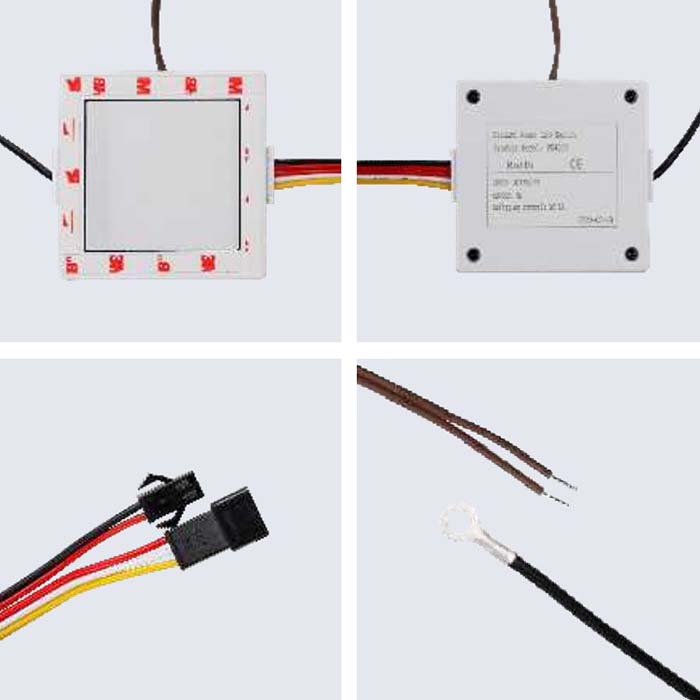
| Product name: | Ultra-thin intelligent weather module |
| Appearance dimensions: | 106 × 158 × 14mm |
| Power: | 5W |
| Operating voltage: | DC 12V |
| Indoor temperature error: | ±1°C |
| Indoor humidity error: | ±5% |
| Max time lag for data updates: | 5seconds |
| Signal source: | Internet |
| Indoor temp effective range: | 0~50°C |
| Indoor humidity effective range: | 20~90%RH |
| Operating temperature range: | 4~40°C |
| Operating humidity range: | 30~80%RH |
| Indoor data refresh cycle: | 3seconds |
| Max WIFI connection time: | 30seconds |
| Network configuration operation instructions | |
| Power On: | On power-on, default time shows 2000.02.09 00:00. If network is configured, the module will |
| refresh the latest weather data within 5 seconds. |
| Power Off: | No power drain when off; time resets to default on next boot. |
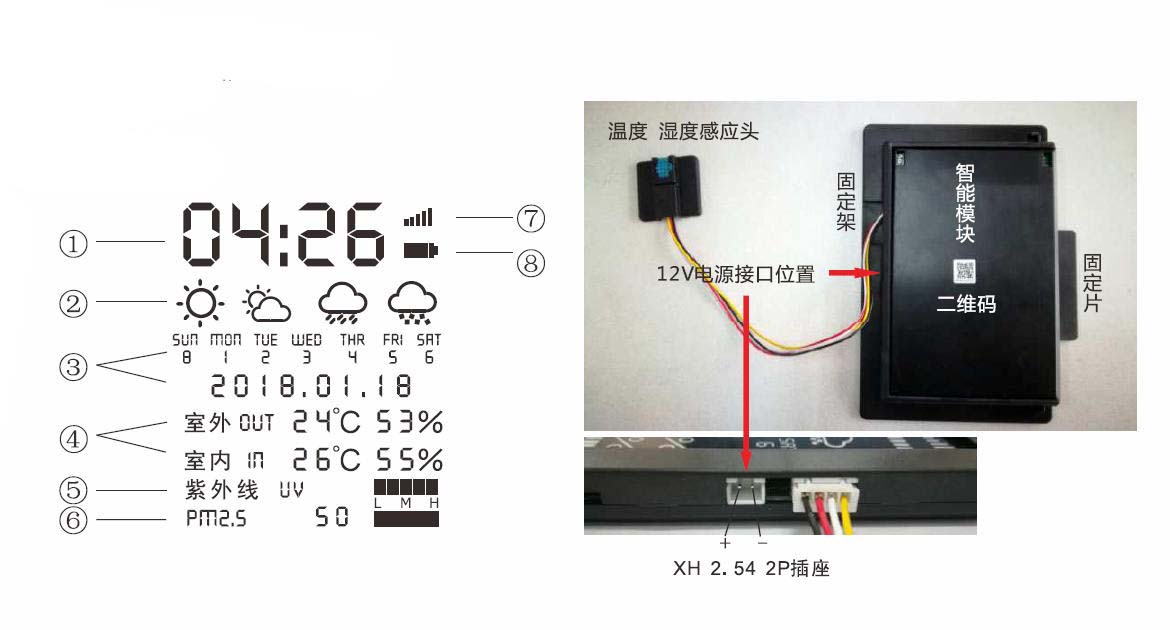
| Display: | Weather: icons left to right = sunny, cloudy, rainy, snowy; |
| UV index: 9 levels (L/M/H). PM2.5: 10 levels (L/M/H). Outdoor data refreshed |
| from server every 60 min; indoor temp/humidity updated every 3 s. |
| Network Setup: | With Wi-Fi available, make sure the module and phone are within the same Wi-Fi router’s coverage; |
| then turn on Bluetooth on the phone and scan the QR code below with WeChat (phone must be on |
| the Wi-Fi; for iPhone, enable WeChat in Settings > Bluetooth > Privacy). |